>_ Play your OGAs · Arcade Distillery
Take your characters into the game.
Your OGA characters play in SkullPirates and Plague Hunters by Arcade Distillery. Get a game, link your account once, and every character you own shows up in it.
Arcade DistilleryPlague Hunters · SkullPirates
More gamesComing soon
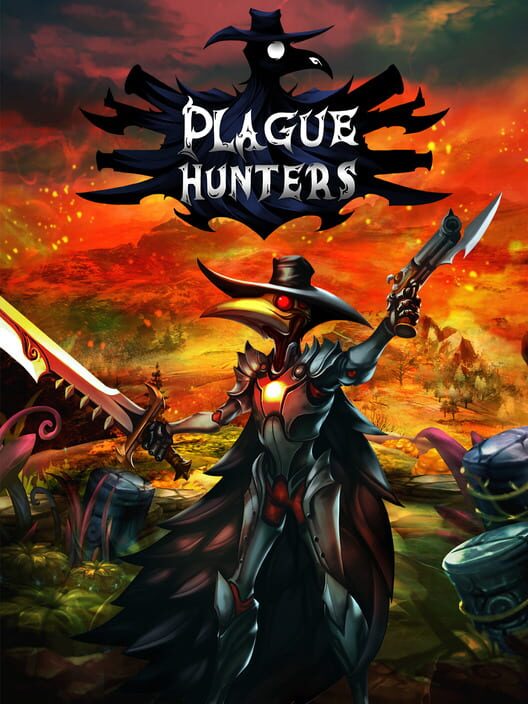
Plague Hunters
Free to playTeam up with hunters and clear out the plague. Free on Steam and PlayStation.

// Playable now
Characters you can play
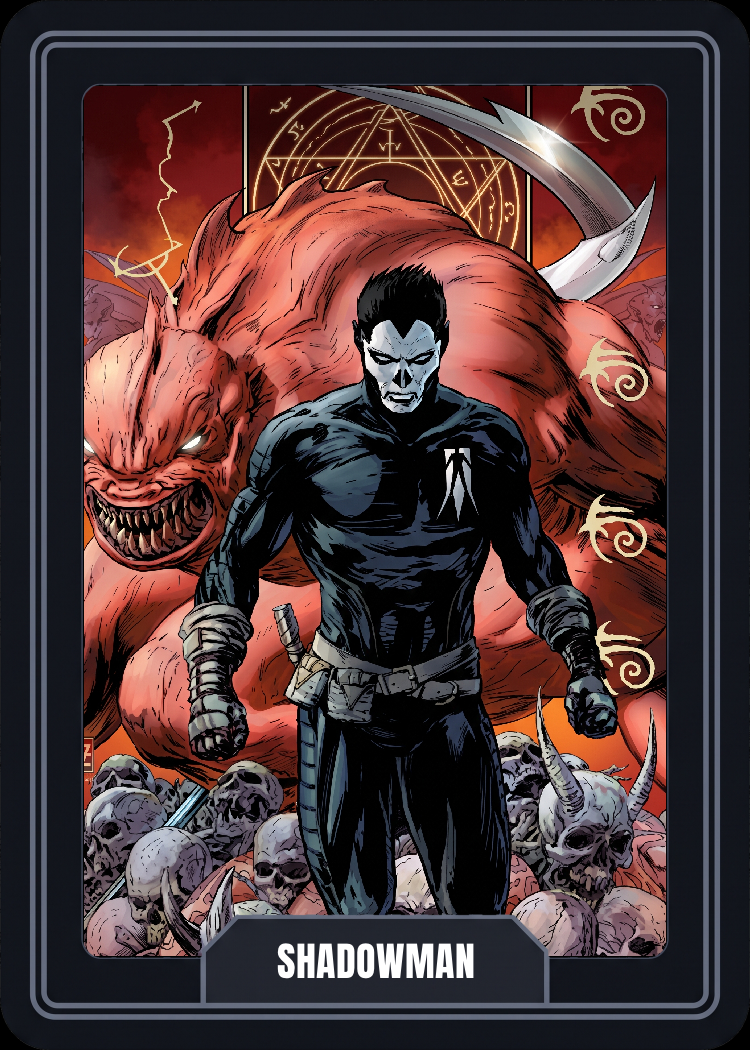 Shadowman
Free standard card ►
More characters
coming soon
If you already have an OGA account, sign in here to see which of your characters you can play in these games.
// One-time setup
How to get your character into the game
- Own a characterClaim your free Shadowman card on OGA. It goes straight into your OGA account.
- Connect your game accountIn your OGA account, open Settings → Connect and tap Purposeverse. Confirm the email it sends you. If it landed in spam, mark it "Not spam" first, then click the link (links in spam often do not work). You only do this once.
- Get a gameInstall Plague Hunters, SkullPirates or both, on Steam or PlayStation, with the buttons above.
- Link the gameDo this once in each game you play. In the game, choose Link Account (in Plague Hunters it is on the Hunters screen, F2 on PC). Scan the QR code with your phone, or go to oga.games/link and enter the code shown. Sign in with the same email as your OGA account; if a different account shows up, sign out first. We send you an approval code by email to confirm it. If you do not see it within a minute, check your spam folder.
- PlayYour characters show up in the game, usually within a few minutes of linking. Add them to your team and play. In Plague Hunters, press R (Ctrl/Cmd+R on PC) during a run to switch characters.
Not showing up after 10 minutes? In the game, unlink and link again using your phone, then start the game again. Still stuck? Write to us from the help button in your OGA account and tell us which step you are on.